AI feed cleaner
Classifies titles, visible text, URLs, and feed context to hide or blur mature, scary, addictive, scammy, or body-image content.
Mom Guard · YouTube safety filter
Mom Guard runs a tiny on-device classifier on every Short, video, and recommendation, ranks them from most harmful to least, hides the worst, and turns the week into a calm parent summary instead of a surveillance log.
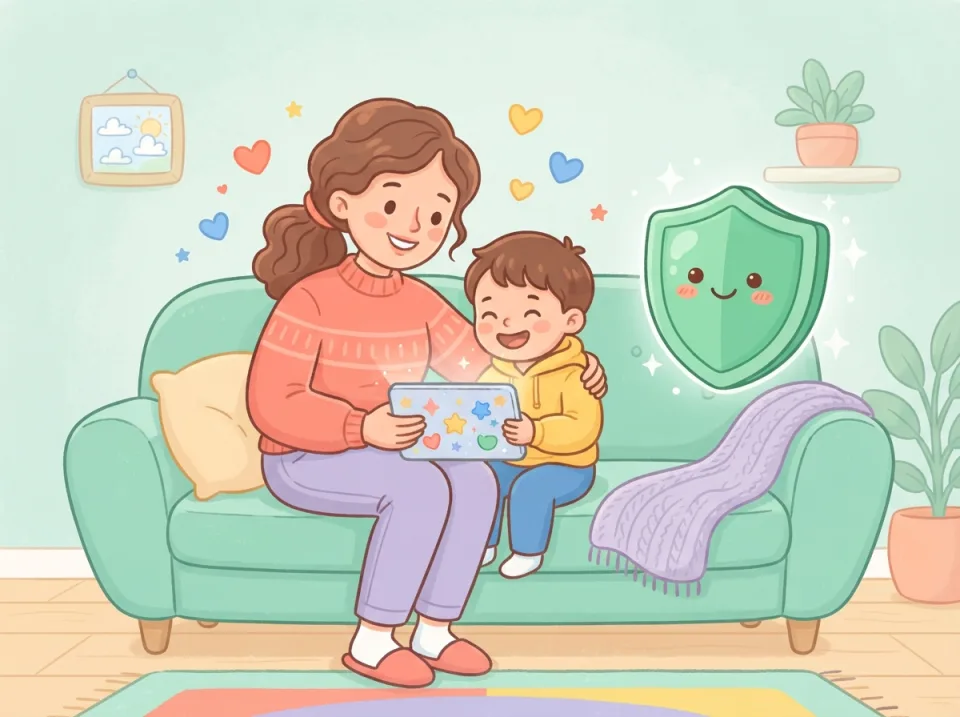
The product promise
Most parental controls block whole sites. Mom Guard works at the post, video, recommendation, and feed level so parents can reduce harm without banning every useful corner of the web.
Classifies titles, visible text, URLs, and feed context to hide or blur mature, scary, addictive, scammy, or body-image content.
Block Shorts, comments, live chat, homepage recommendations, autoplay, and rabbit-hole sidebars while keeping search and learning usable.
Hides infinite feeds, limits related videos, turns off autoplay, and can replace images or videos with click-to-load placeholders.
Shows watch time, top topics, and blocked categories on the device. Snippets stay off unless a parent explicitly turns them on.
On Family Plus, a blocked screen lets your child ask you to review it. You answer from the extension, so a block does not turn into an argument.
Your weekly summary picks the most common topic, such as body image, scams, or scary content, and gives you a calm way to start the talk.
Safety packs
Strict blocking for horror, violence, sexualised thumbnails, strangers, heavy swearing, and scary recommendations.
Balanced filters for body-image spirals, addictive Shorts, prank channels, adult influencer content, scams, and off-platform contact.
Less blanket blocking, stronger alerts for explicit content, grooming-risk language, self-harm, eating disorder content, gambling, and scams.
Blocks Shorts, Reels-style feeds, autoplay, drama bait, infinite scroll, one-more-video loops, and bandwidth-heavy media previews.
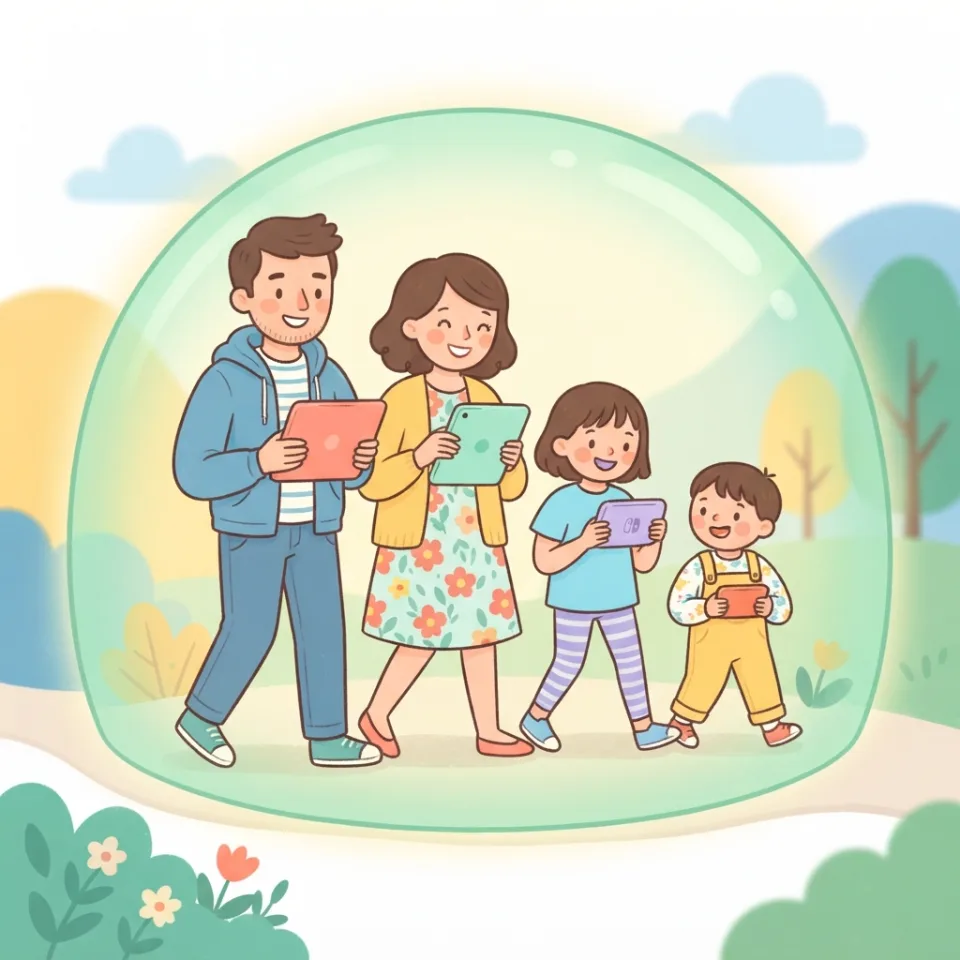
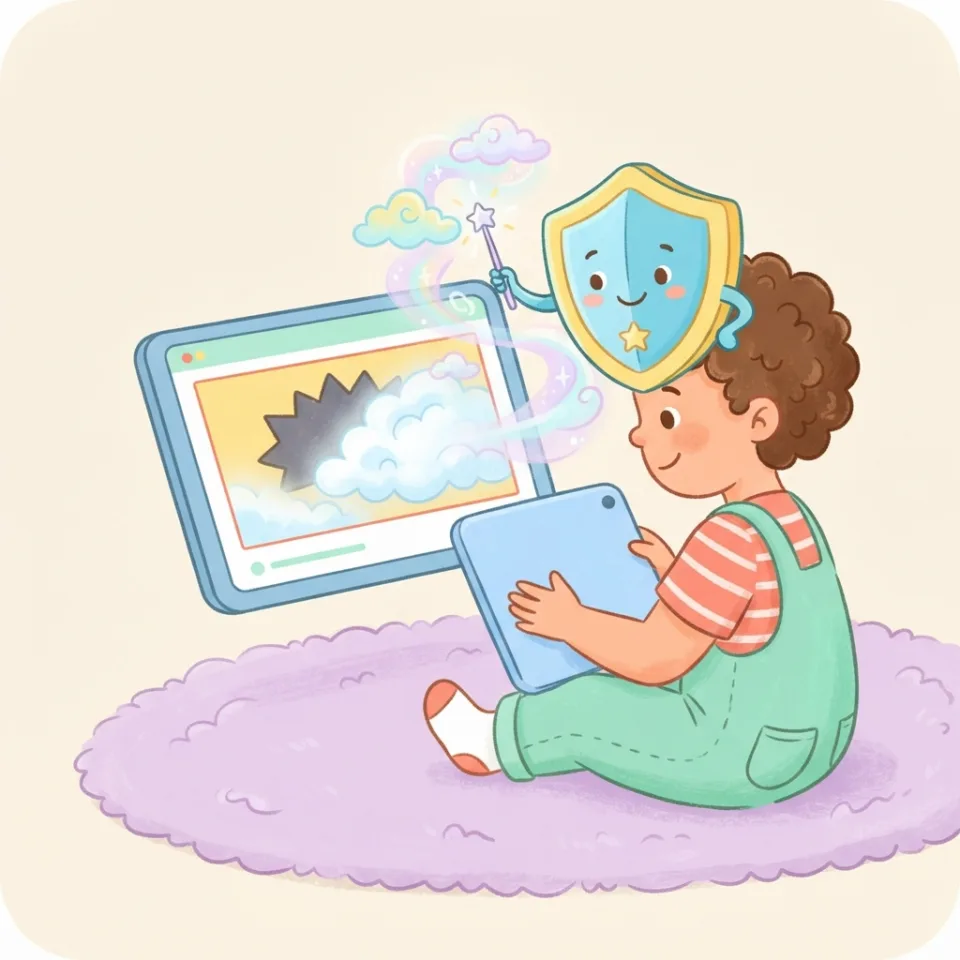
The paid feature
Parents do not want to inspect every click. They want to know whether today was mostly Minecraft and art, whether Shorts took over, and whether anything needs a calm conversation.
View extension planPlans
Free for the Shorts blocker. Family adds every category, ranked logs, and weekly summaries. Family Plus adds approvals, alerts, and PDF reports.
Shorts blocker, low-dopamine mode, one child profile.
Every risk category, a ranked watch log, and a weekly email.
Up to five children, approvals, alerts, and PDF reports.
Family Plus, billed yearly. Two months free.
Parent guides
A global first-phone agreement parents can adapt for iPhone, Android, school devices, travel, sleep, apps, and emergencies.
US resources Online Safety Resources for US ParentsWhere US parents can start with FTC guidance, COPPA privacy rights, parental controls, cyberbullying, and home safety plans.
UK resources Online Safety Resources for Parents in the UKA practical UK parent starting point for Ofcom guidance, online safety rules, school devices, app risks, and family agreements.
AU resources Online Safety Resources for Parents in AustraliaHow Australian parents can use eSafety guidance, family conversations, app checks, and incident response plans.
Gaming Is Roblox Safe for 8 Year Olds?How parents can think about Roblox chat, spending, friend requests, private servers, and family rules for younger players.
AI Family AI Rules PrintableA printable family agreement for AI tools, chatbots, homework, privacy, images, emotional use, and unsafe outputs.
Our guides build on official parent and regulator resources. Read the originals any time: